Hey Andrew, let’s grab your signatures
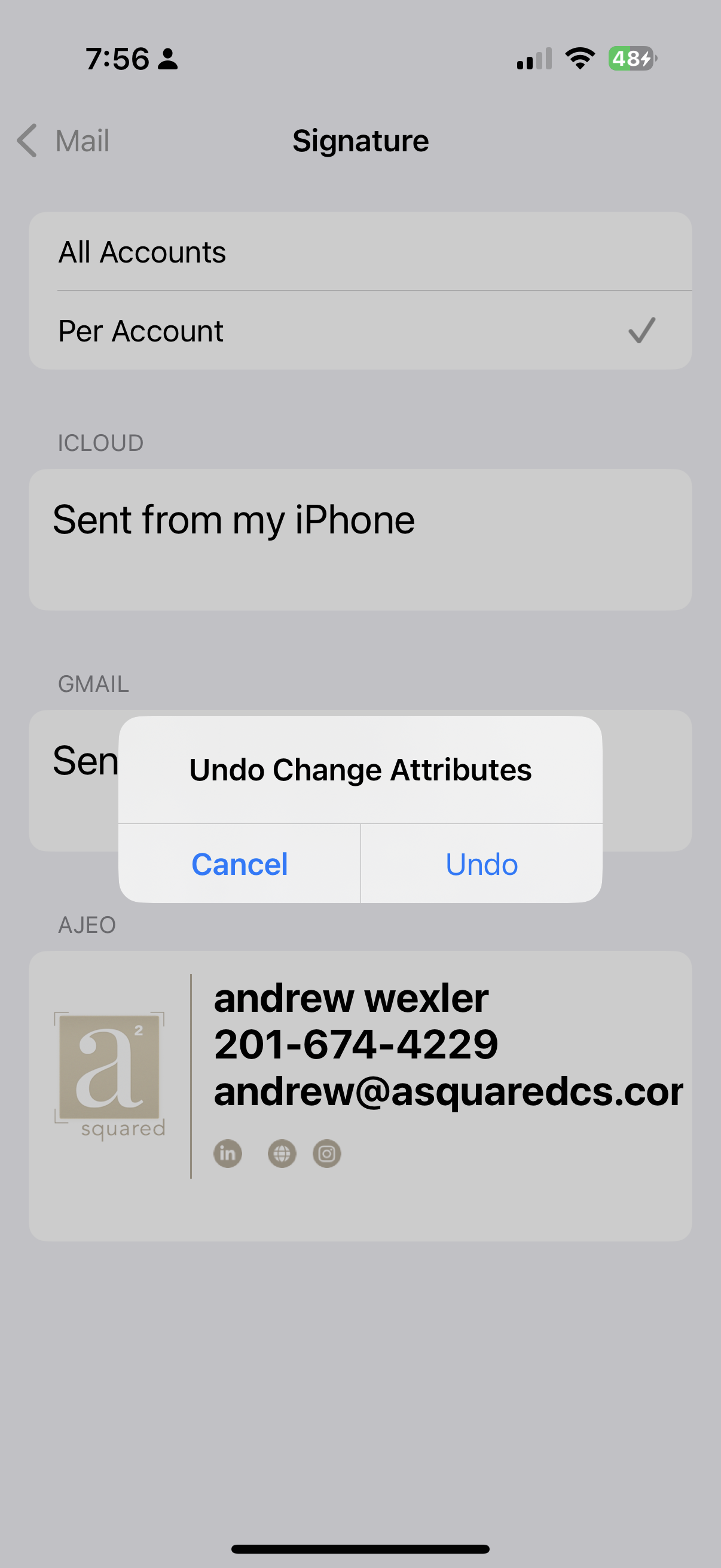
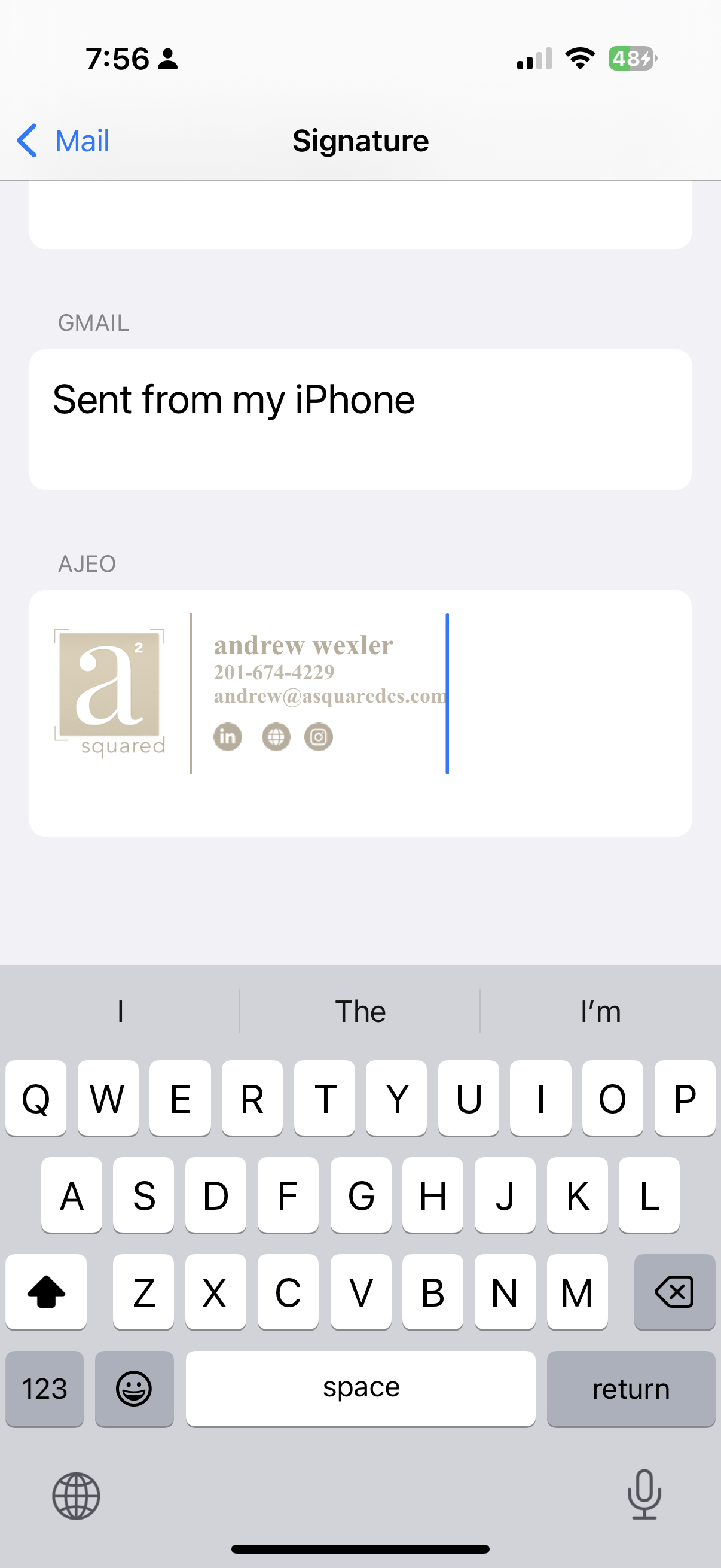
Use the buttons below to copy the correct signature. On iPhone, paste it into Settings → Mail → Signature, then shake and tap Undo Change Attributes.
A Squared Signature
|
|
andrew wexler 


|
Legacy Mortgage Signature
Andrew Wexler
Mortgage Advisor
NMLS ID# 2568254
Mortgage Advisor
NMLS ID# 2568254

NMLS# 2533102
1037 Route 46 E, Suite 101
Clifton, NJ 07013
Clifton, NJ 07013
Cell# 201-674-4229
Lending in: NJ, FL, PA
WIRE FRAUD IS ON THE RISE. PROTECT YOUR FUNDS.
Do not wire funds based on an email request, without verbal confirmation.
Legacy Mortgage Group Inc will NEVER request that borrowers wire funds in connection with
their transaction.
LICENSED BY THE STATE OF NEW JERSEY DEPARTMENT OF BANKING & INSURANCE
Setting the signature on iPhone
- Tap the button above (don’t manually select the preview).
- Paste into Settings → Mail → Signature.
- Shake → tap Undo Change Attributes.
- Send a test email to confirm.
Setting the signature on iPhone
- Press-and-hold anywhere inside the preview box until the magnifier appears, then drag the blue handles so every line of the signature is highlighted. Tap Copy.
- Open Settings ▸ Mail ▸ Signature, tap in the box and choose Paste. (The logo will look oversized—normal.)
- Give the phone one quick shake. When iOS asks “Undo Change Attributes?” tap Undo.
- Tap Mail ▸ Back to save. Compose a new email to confirm the logo and text look perfect.