Hey Andrew, let’s grab your signature
Desktop
Tap the button below and I’ll slide your signature onto the clipboard. When I pop up “Copied!” just open your mail-app’s signature box and hit ⌘/Ctrl + V. Done in two clicks.


Setting the signature on iPhone
- Press-and-hold anywhere inside the preview box until the magnifier appears, then drag the blue handles so every line of the signature is highlighted. Tap Copy.
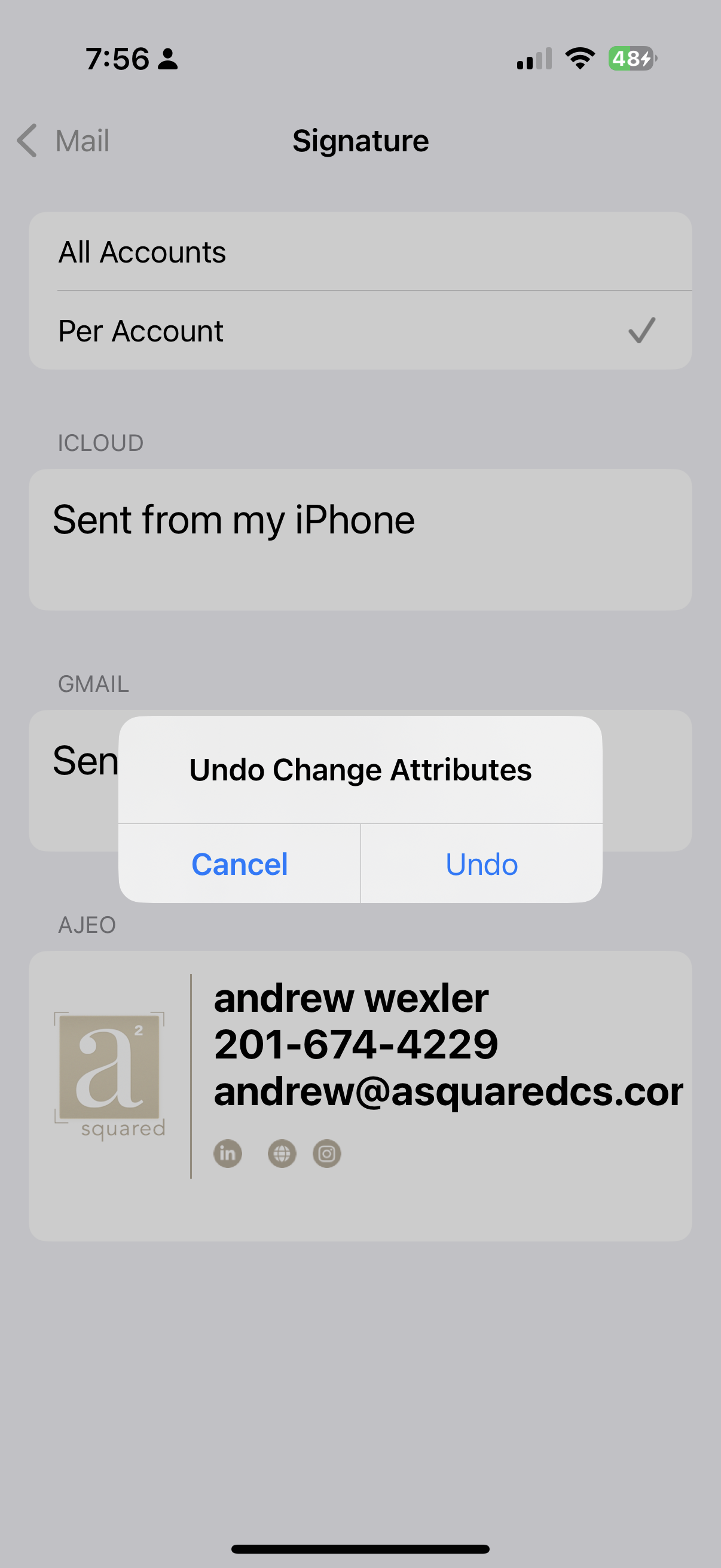
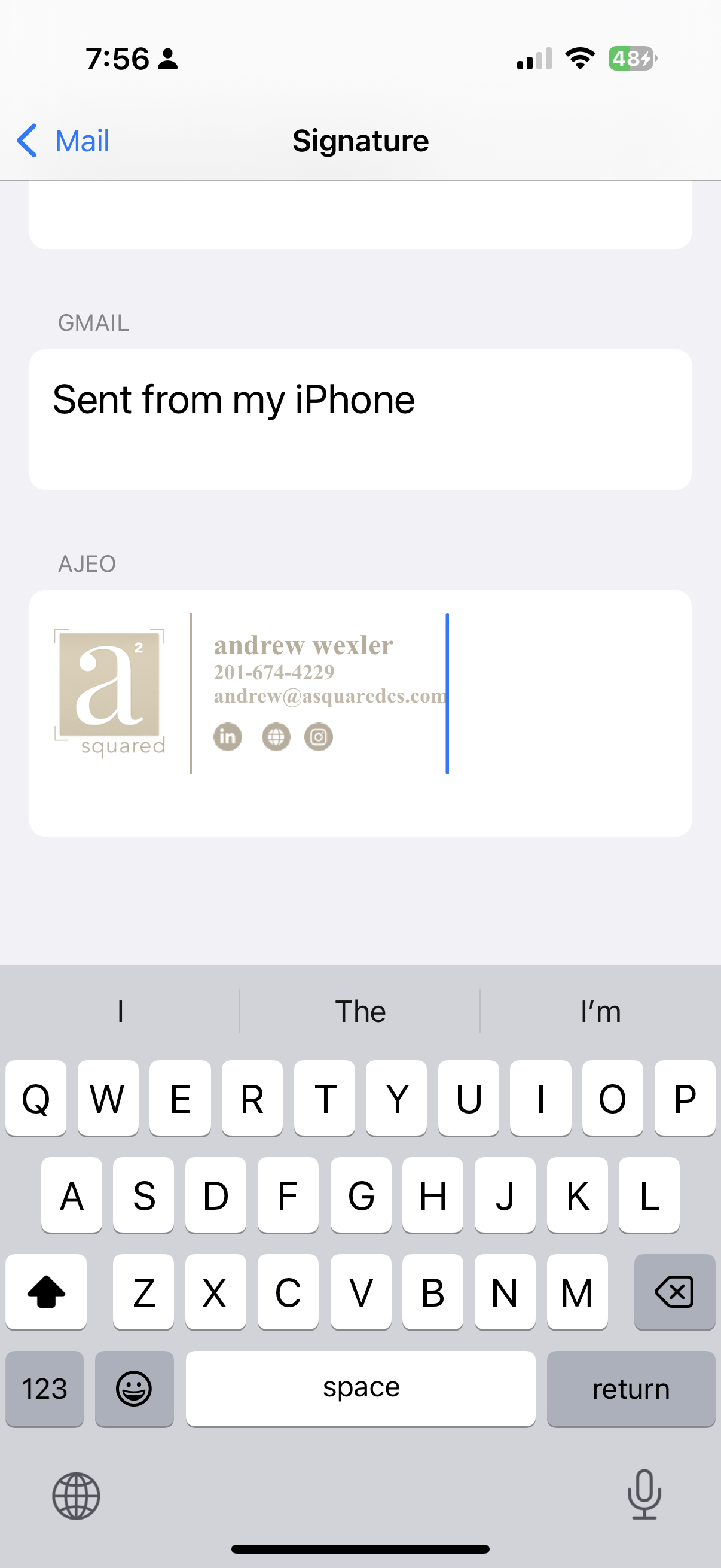
- Open Settings ▸ Mail ▸ Signature, tap in the box and choose Paste. (The logo will look oversized—normal.)
- Give the phone one quick shake. When iOS asks “Undo Change Attributes?” tap Undo.
- Tap Mail ▸ Back to save. Compose a new email to confirm the logo and text look perfect.